
Hazard Implementation
This screen represents detail of identified hazard implementation.
Overview
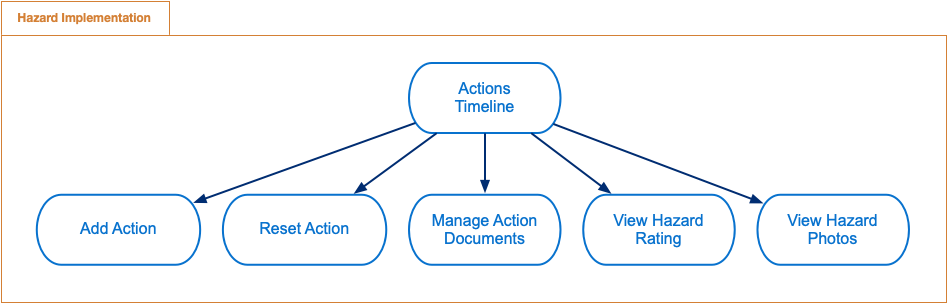
Following diagram describes features available in hazard implementation.
Hazard Implementation features
Actions Timeline - display timeline of hazard implementation actions.
Add Action - add hazard implementation action
Reset Action - reset hazard implementation action
Manage Action Documents - manage hazard implementation action documents (attachments)
View Hazard Rating - view identified hazard rating
View Hazard Photos - view identified hazard photos
Actions Timeline
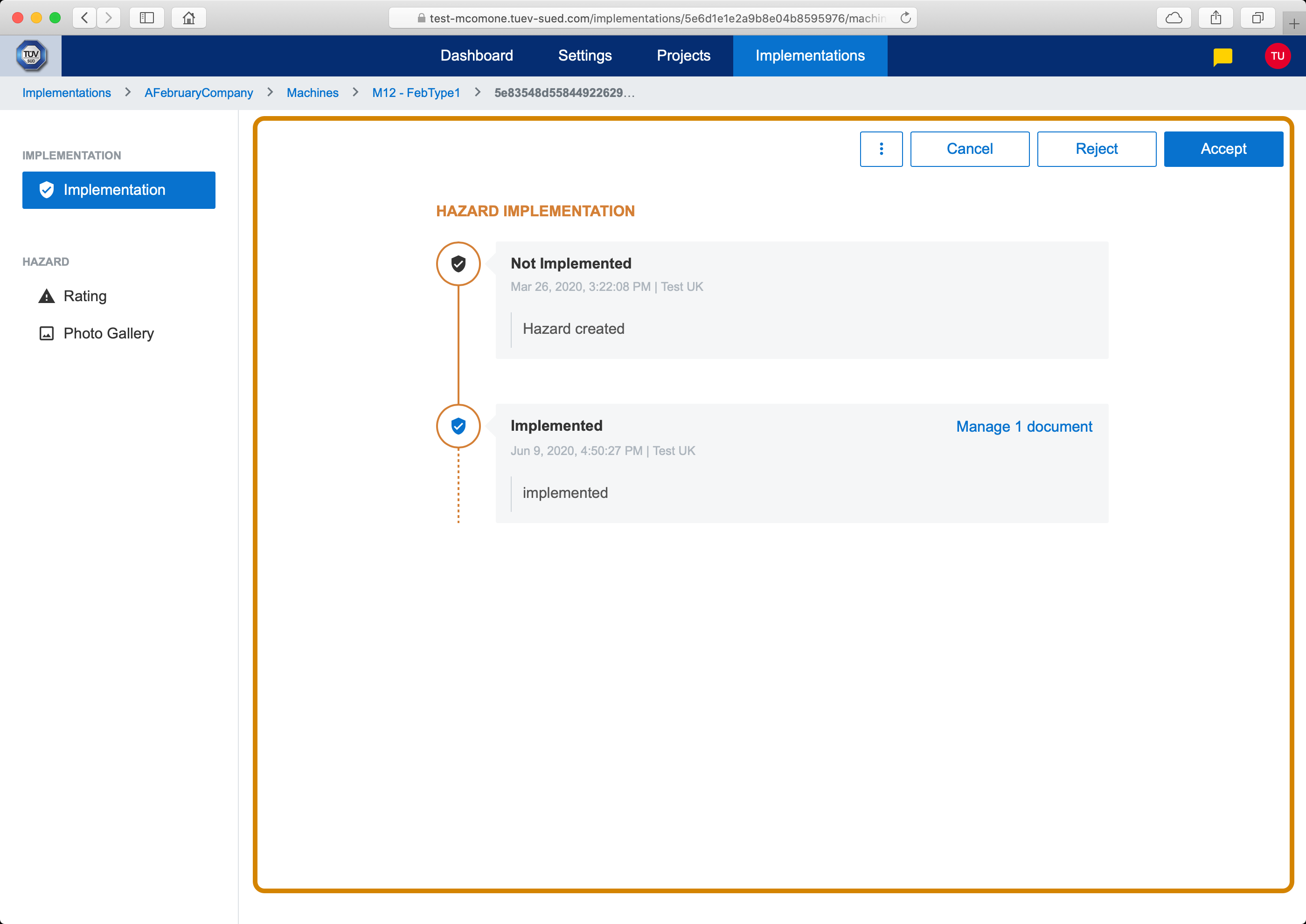
This part of screen displays timeline of hazard implementation actions. They are ordered according to created date (i.e. on top is the oldest action, on bottom is the newest action).
Actions timeline
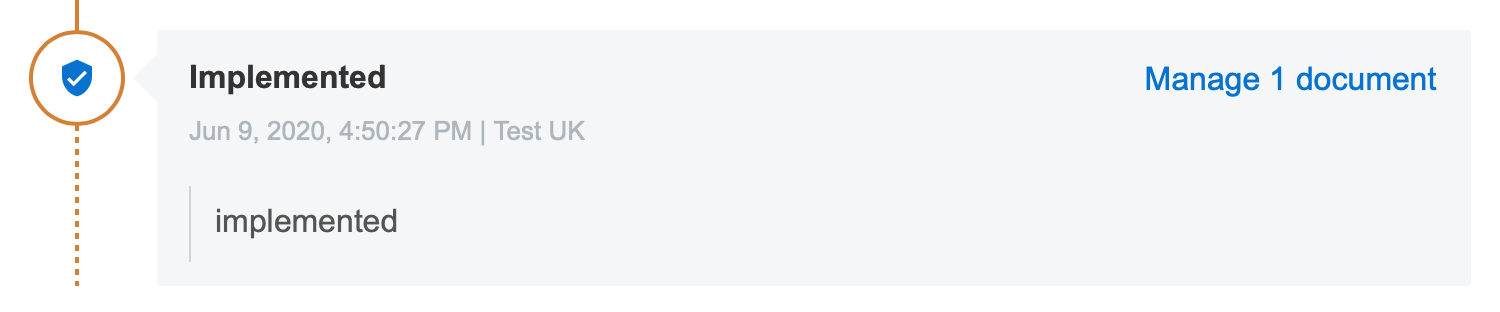
Each action represents a hazard implementation state change which is documented (who, when, what) and may include additional documents as attachments. Each action has following information:
Hazard implementation state
Date and time when action was created
User that created this action
Notes
Link to manage/view attached documents
Hazard implementation action
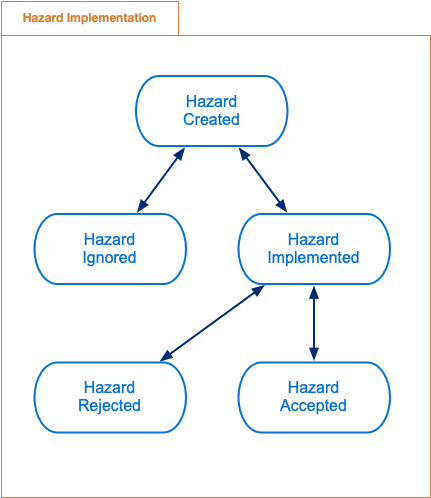
Following diagram describes possible hazard implementation states.
Hazard implementation states
In order to change hazard implementation state, hazard implementation action needs to be created.
Add Action
In top right corner of Actions Timeline are buttons for adding new hazard implementation action. Buttons depends on current hazard implementation state and only relevant actions are available.

Add action
Clicking on action button opens hazard implementation action modal dialog.
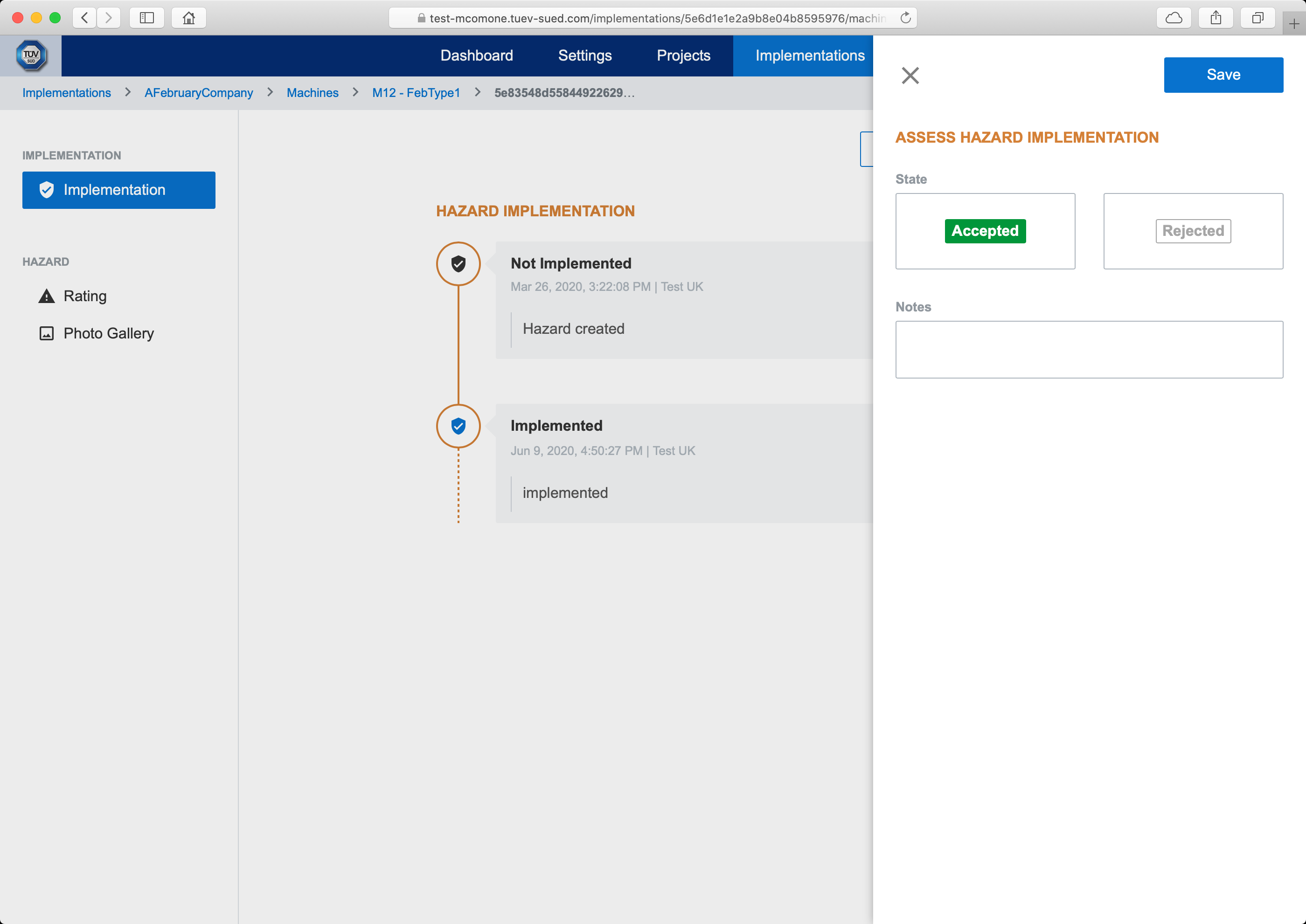
Action dialog
Saving hazard implementation action will create new action in hazard implementation actions timeline and will change hazard implementation to new state.

Note: Hazard implementation action documents (e.g. photos, documentation, etc.) can be added in Manage Action Documents.
Reset Action
Hazard implementation action can be reseted using dropdown menu buttons.

Reset action
Clicking on reset button opens hazard implementation reset modal dialog.
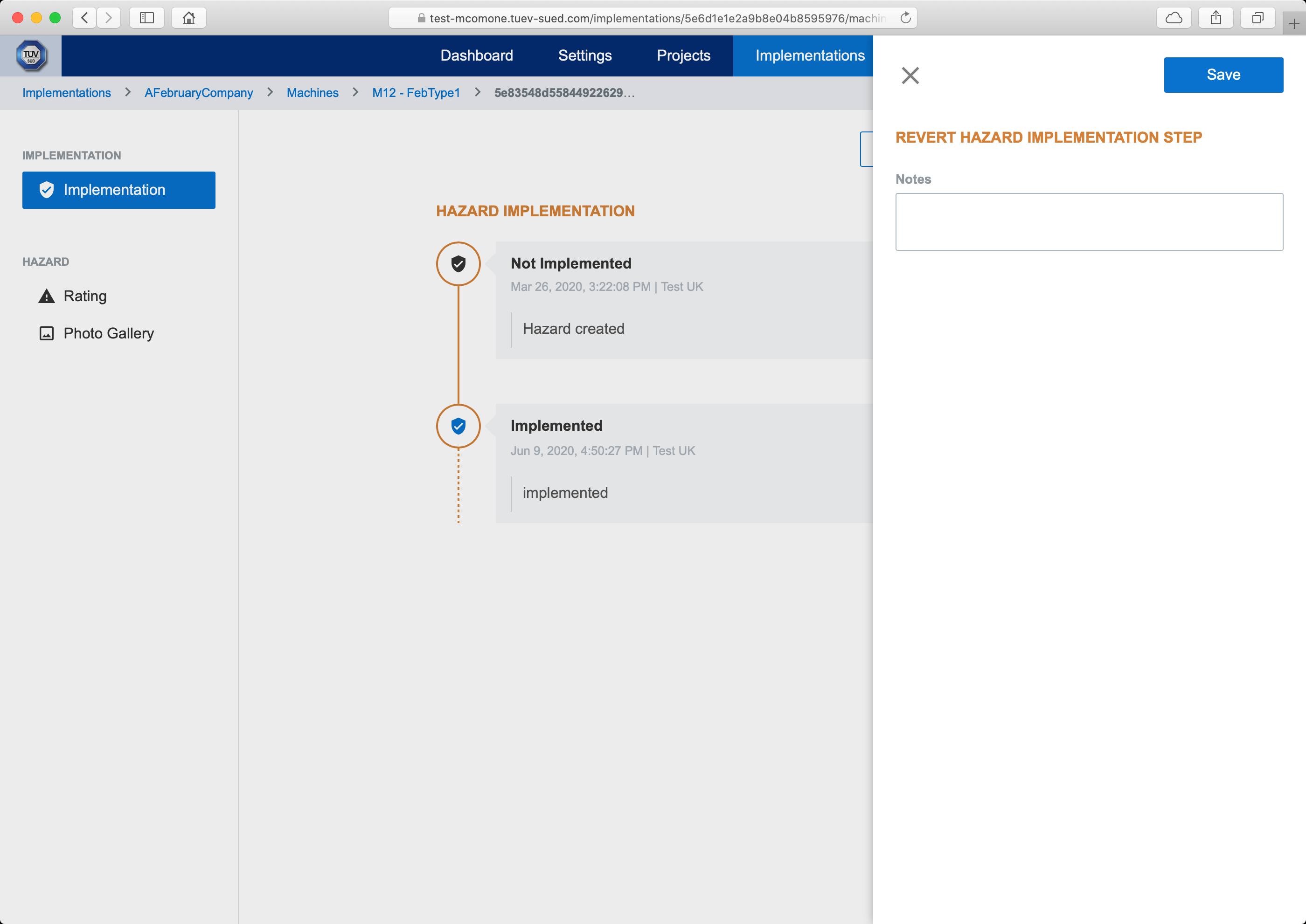
Reset dialog
Saving hazard implementation action will create new action in hazard implementation actions timeline and will change hazard implementation to previous state.
Note: Hazard implementation action documents (e.g. photos, documentation, etc.) can be added in Manage Action Documents.
Manage Action Documents
Each hazard implementation action can have multiple attached documents (i.e. photos, documents, etc.). Documents management is accessible via Manage Documents link from Actions Timeline.

Manage action documents
Note: Link Manage documents is available only for user who has created last hazard implementation action in actions timeline because only this user can add, edit or remove attached documents to this hazard implementation action. In order to ensure data consistency and immutability of attached documents, if hazard implementation state is changed (i.e. new hazard implementation action is created), it is not possible to manage attached documents anymore and documents are available for viewing only (via View documents link).
Clicking on Manage documents or View documents will open action documents list screen.
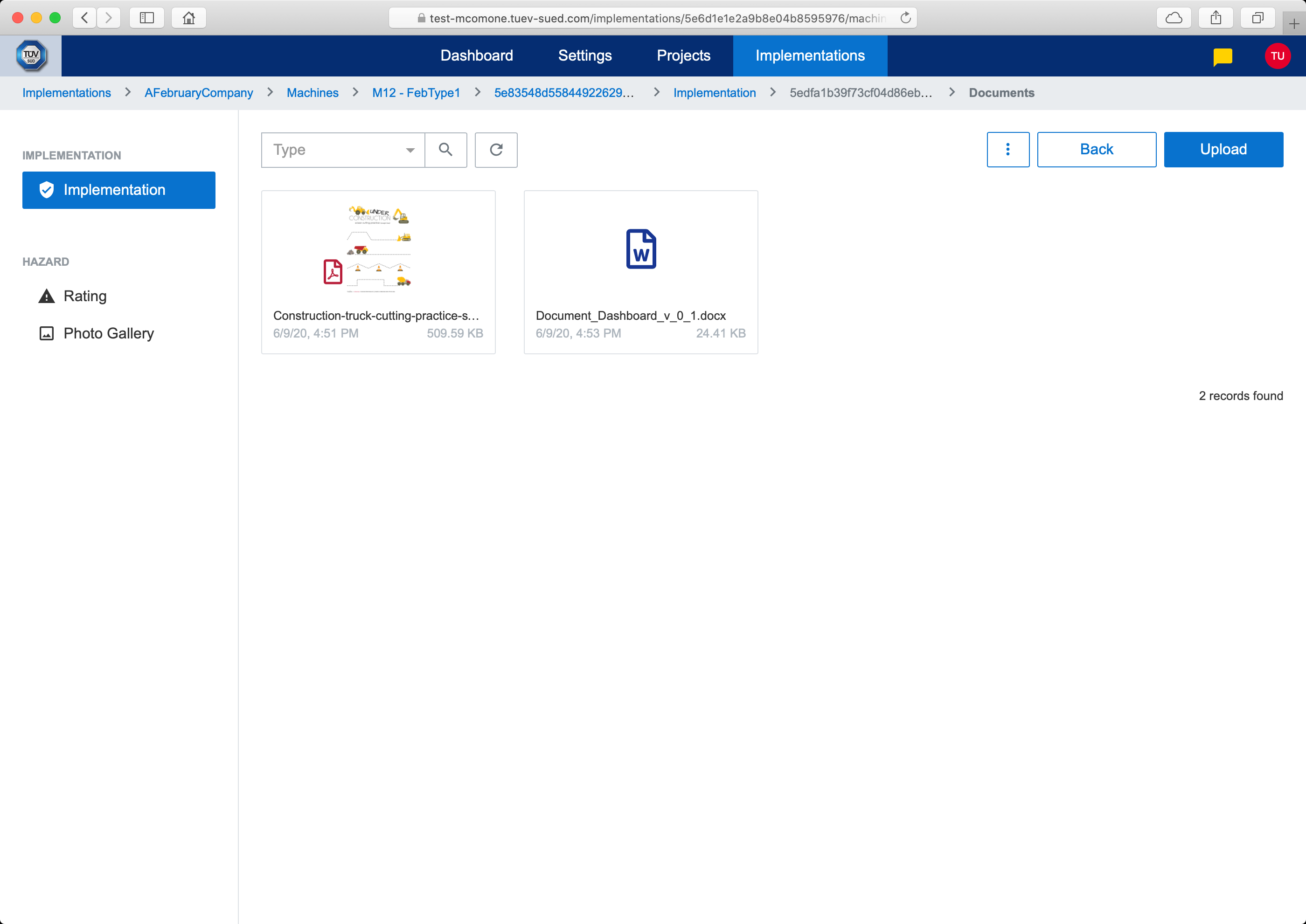
Action documents
In documents list, document can be downloaded or edited. In order to add new document, file needs to be uploaded (either by pressing Upload button or drag & drop). After the document is uploaded, clicking on document will open edit modal dialog.
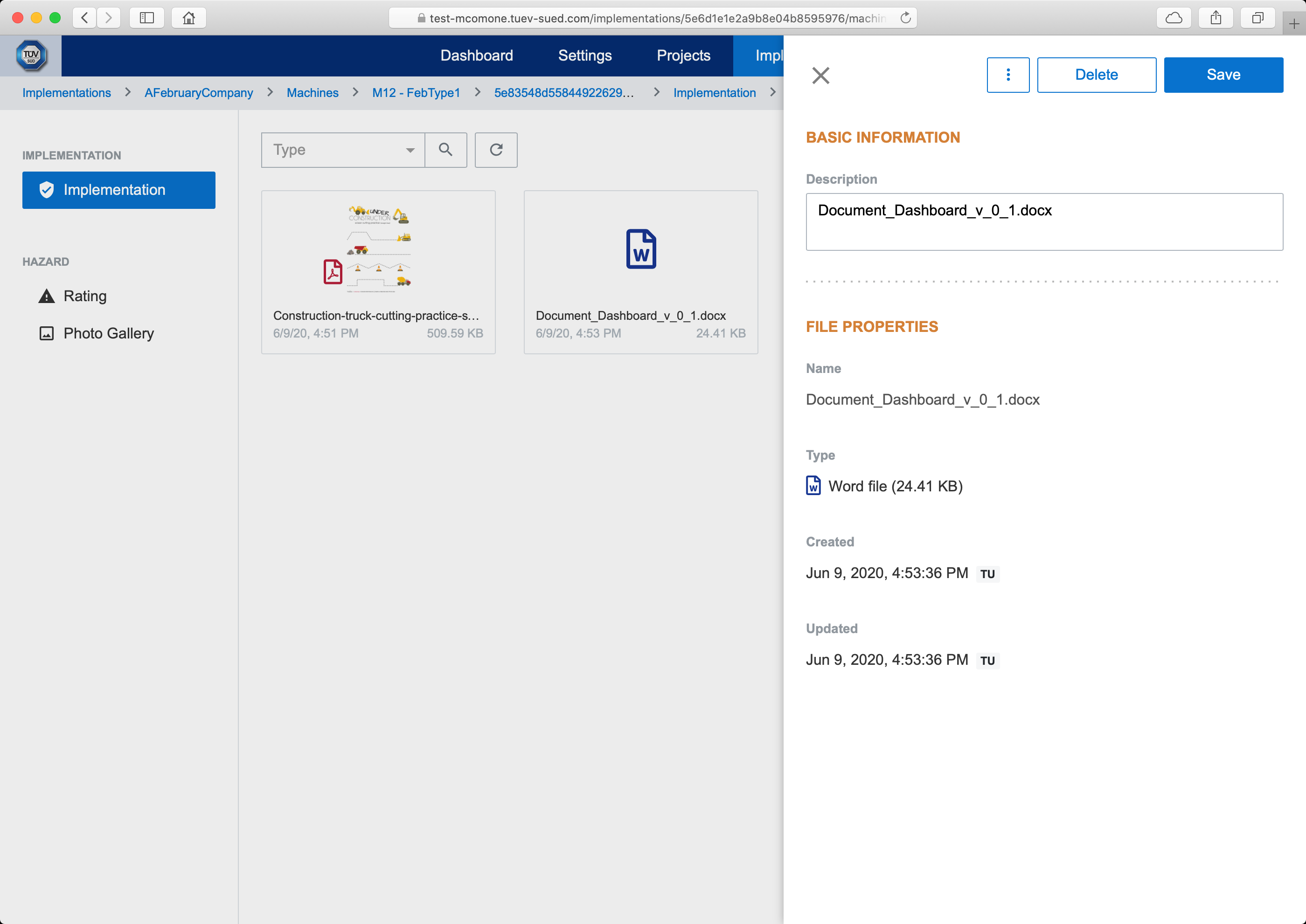
Edit document
View Hazard Rating
Hazard photos displays read-only risk rating of identified hazard.
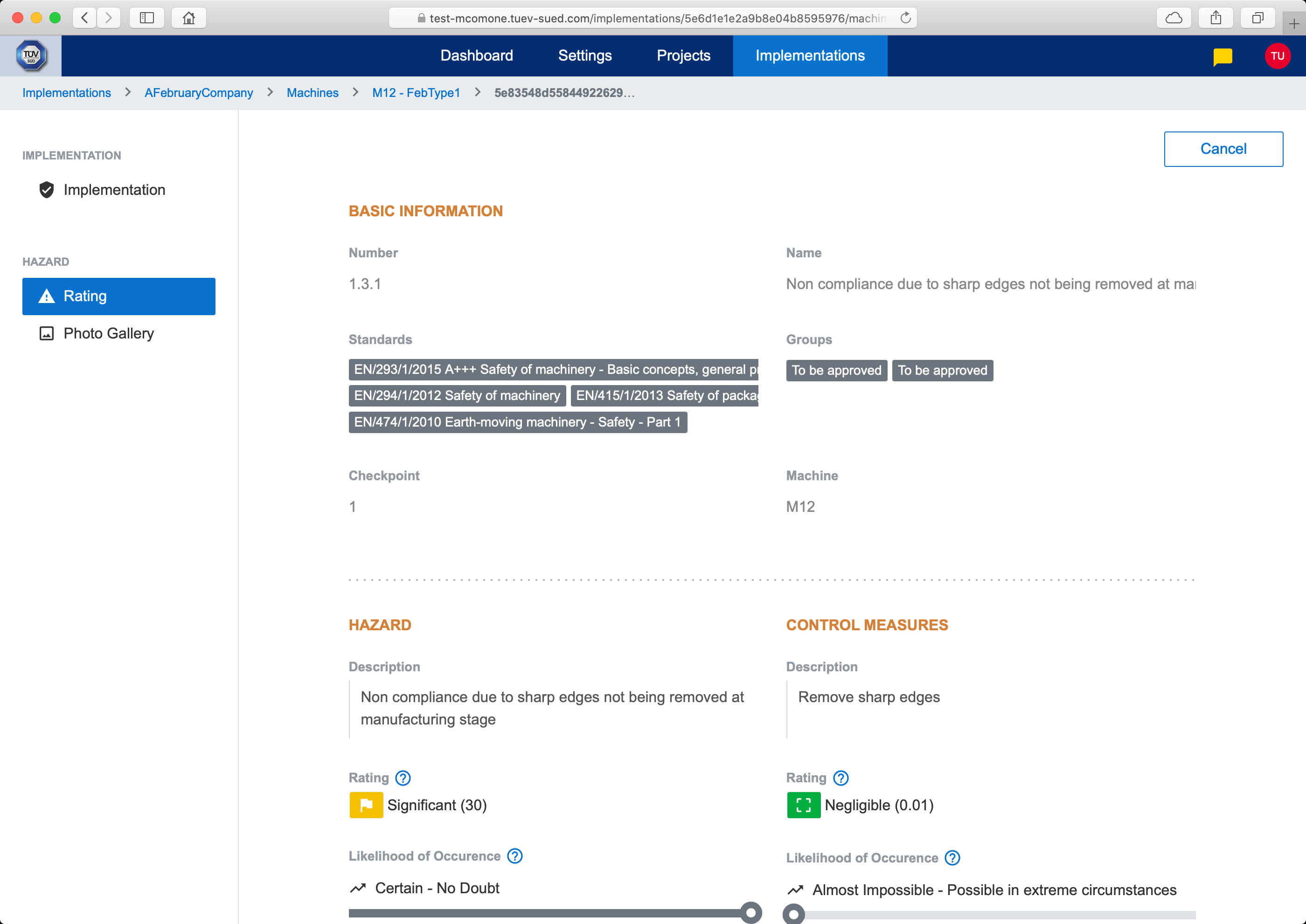
Hazard rating
View Hazard Photos
Hazard photos displays read-only list of photos of identified hazard.
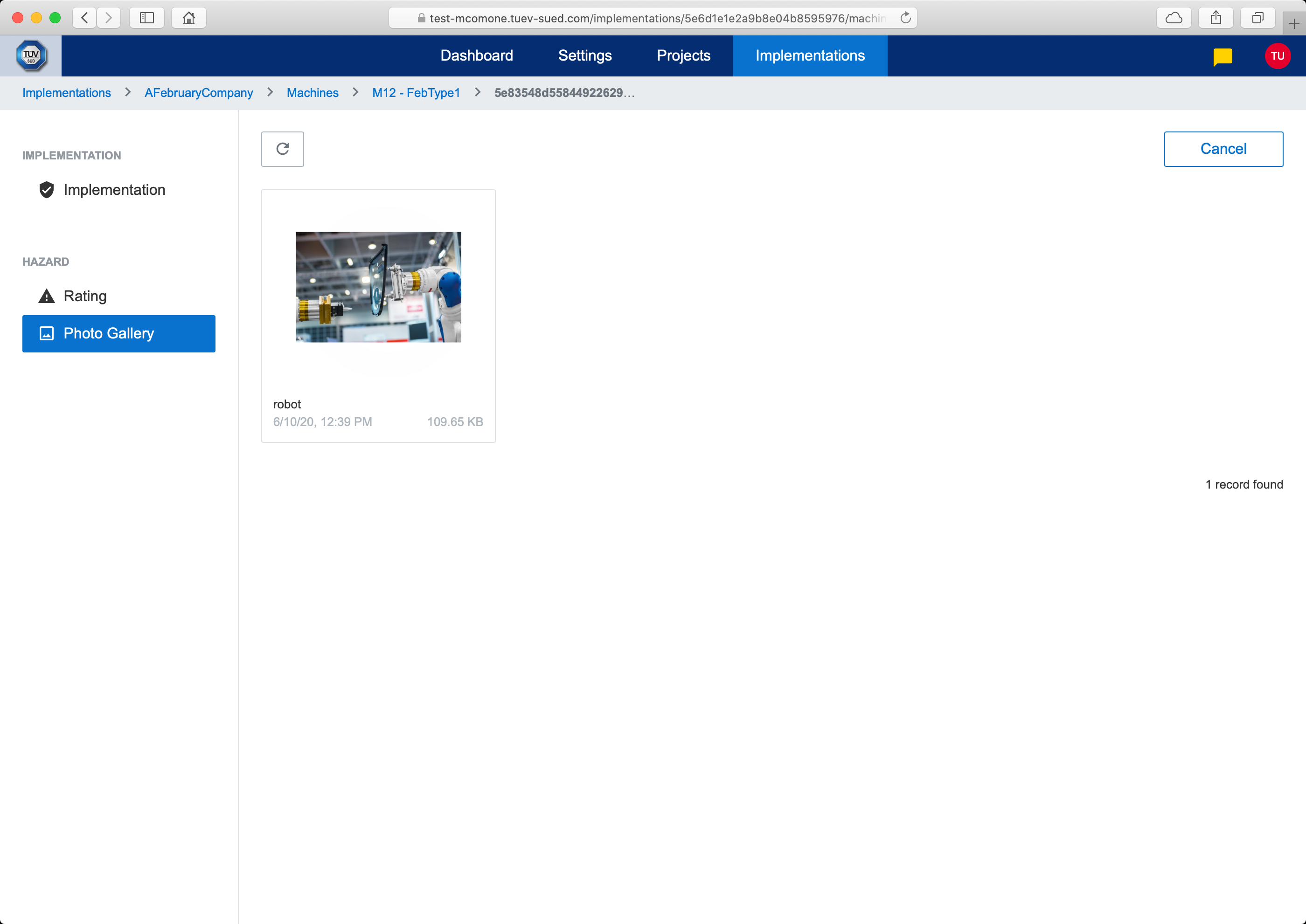
Hazard photos
Access Rights
Functionality | Provider Engineer | Customer Engineer |
|---|---|---|
Actions Timeline | x | x |
Add Action | x | x1 |
Reset Action | x | x2 |
Manage Action Documents | x3 | x3 |
View Hazard Rating | x | x |
View Hazard Photos | x | x |
1 Limited to Accept Risk and Implement Hazard actions
2 Limited to Reset Implementation
3 Limited to user who created last action, otherwise all documents are read-only